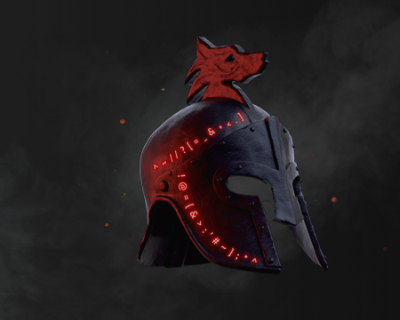


Designed for true enthusiasts, dIVa is your ultimate aRPG analytics companion. Discover the most resource-efficient gameplay strategies across multiple games with in-game overlays that provide real-time updates on Gold, Experience, and Speed Leveling. Maximize your efficiency in every gaming session with dIVa!

Supported Games

  • Path of Exile 2 (The Third Edict)
  • Diablo IV (including Vessel of Hatred expansion)
  • Diablo II: Resurrected

dIVa supports multiple languages, allowing you to enjoy the full experience in your preferred language!

  • English
  • Deutsch
  • 한국어
  • Español
  • Português
  • Français

Discord

A Discord server is now available for dIVa users to discuss and share their experiences with the app. Please feel free to report any issues, or leave suggestions!

(Latest Features) v2.4.0 - Seasonal Game & Performance Updates

  • Improved Features Window Drag Enablement - Enhanced detection on Feature's window open and drag enablement
  • Background Services Optimization - Improved Layout, Subscription, and Translation services management for better performance and reliability

Diablo IV: Divine Intervention

  • Updated Nightmare Dungeons data for Season 11

Path of Exile 2: The Last of the Druids

  • Character Detection: Specialized class detection system for Path of Exile 2 characters.
  • Druid Class Support: Full support for the new Druid class with Oracle and Shaman ascendancy options
  • Instance Alert: Timer for alerting when instances are at risk of expiring during town visits. Available as a Desktop element, or an in-game overlay.

Theme System

  • Game-Specific Themes: Each supported game now has its own unique theme, bringing the perfect ambiance to your analytics:
  • dIVa: The default theme, fiery orange and red darkness
  • Vessel of Hatred: Embrace the new jungle green aesthetics with our Diablo IV expansion theme
  • Path of Exile: Experience the gritty midnight blue atmosphere of Wraeclast
  • Dynamic Theme Switching: Themes automatically adjust based on your active game, or manually select your preferred theme in Settings
  • Enhanced Visuals: Revamped UI elements, icons, and color schemes to match each game's unique aesthetic

Visit our User Guide, or see the introduction video on YouTube!