
About the App
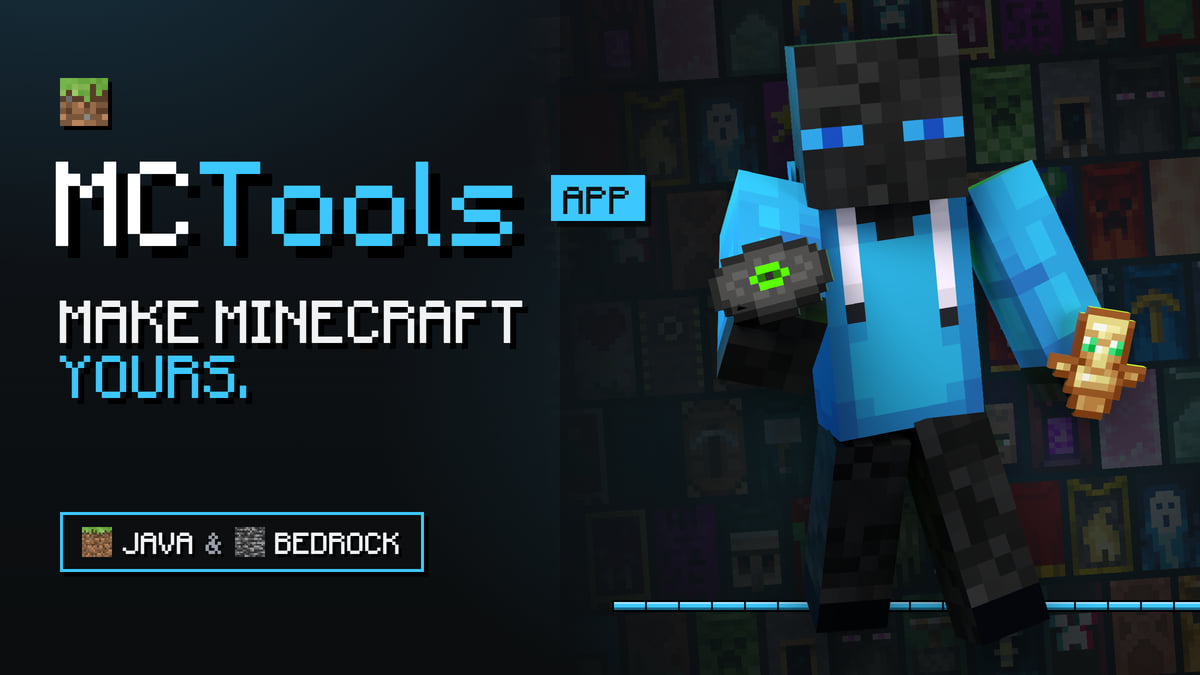
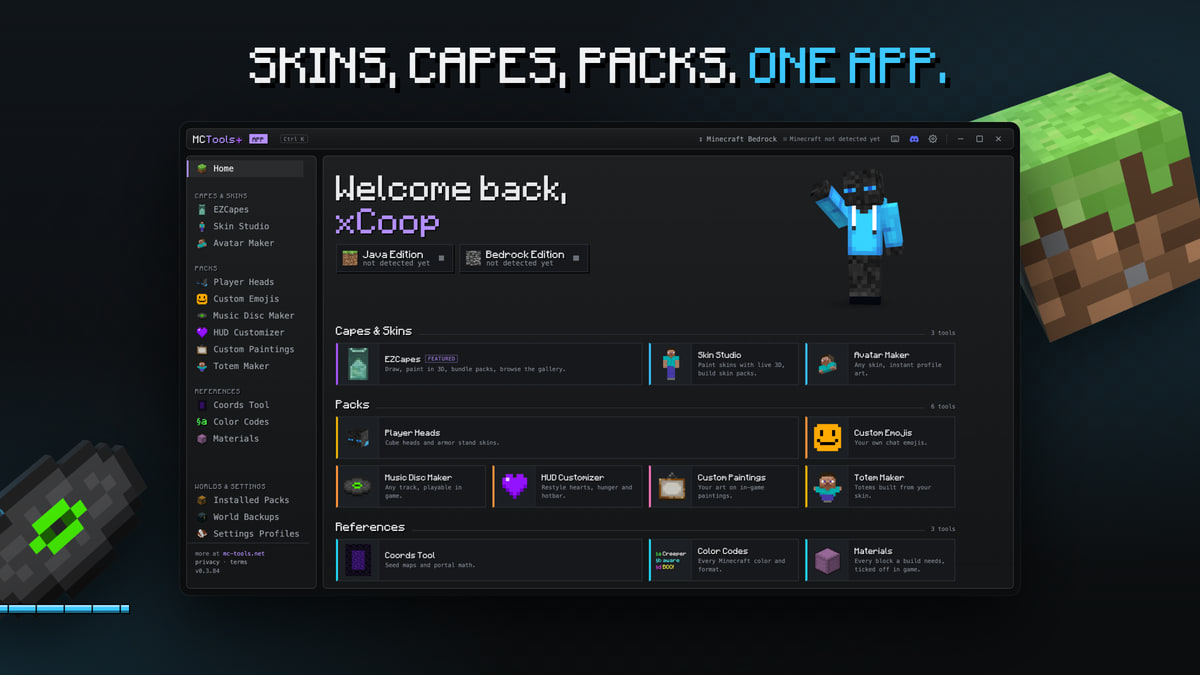
All of the mc-tools.net tools in one app!
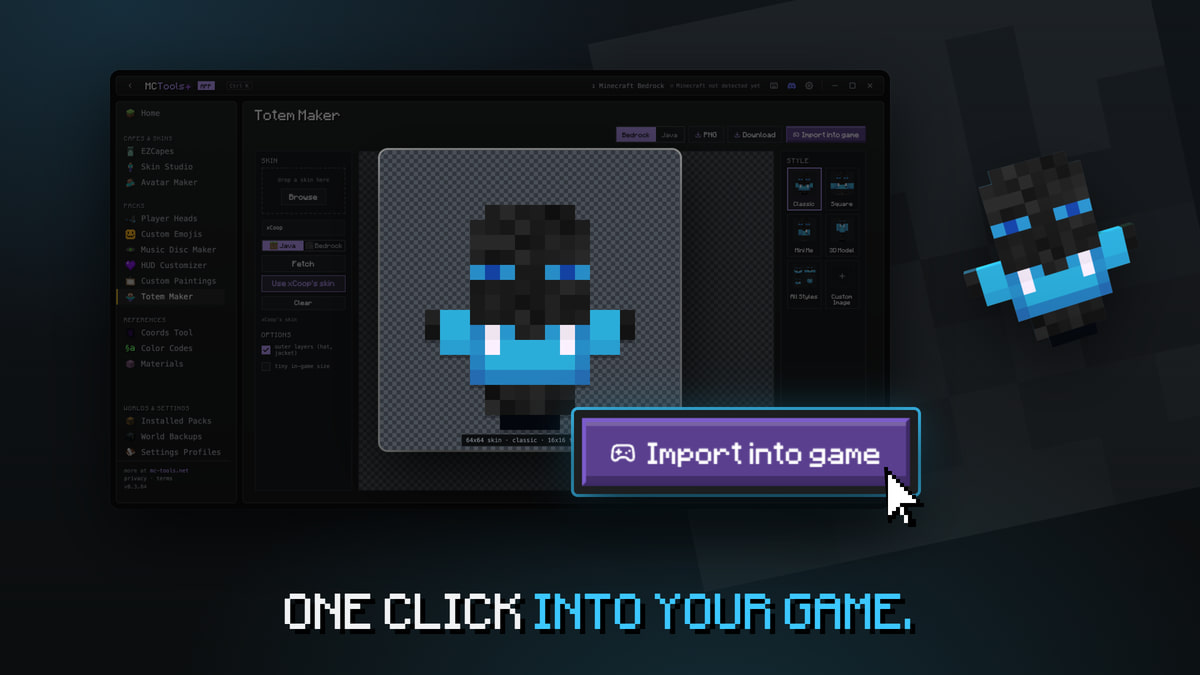
Make a cape, a skin, or a pack. Hit Import into game. Open Minecraft. No zip files or digging through hidden folders!
Make stuff
- EZCapes: draw a cape in 2D or paint it right on the player in 3D, then wear it in Bedrock
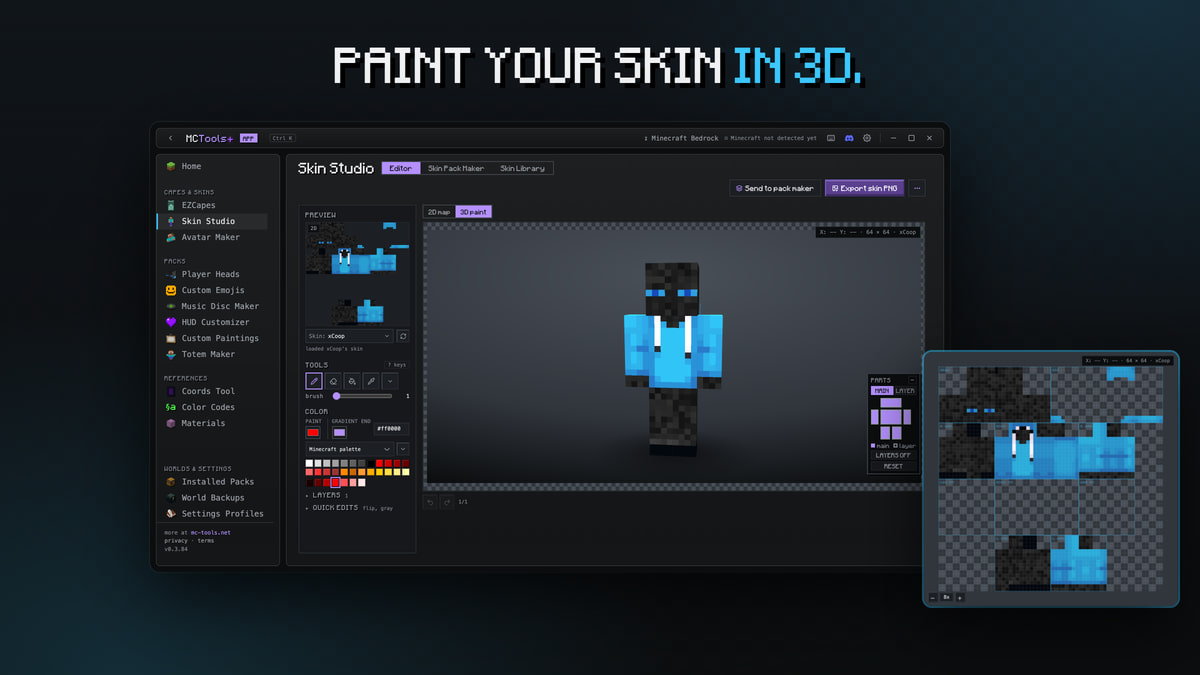
- Skin Studio: paint skins in 2D and 3D with layers and undo, save them to your skin library
- Skin Pack Maker, Avatar Maker, Totem Maker, Player Heads, Armor Stand Skins
- Custom Emojis, Music Disc Maker, HUD Customizer, Custom Paintings
- Pack Converter (Java to Bedrock and back) and Pack Merger
Manage your game
- Installed Packs: everything MCTools put in your game, remove any of it in one click
- World Backups: back up your worlds and restore them any time, even from launchers like CurseForge and Prism
- Settings Profiles: save your options and swap between setups
In game
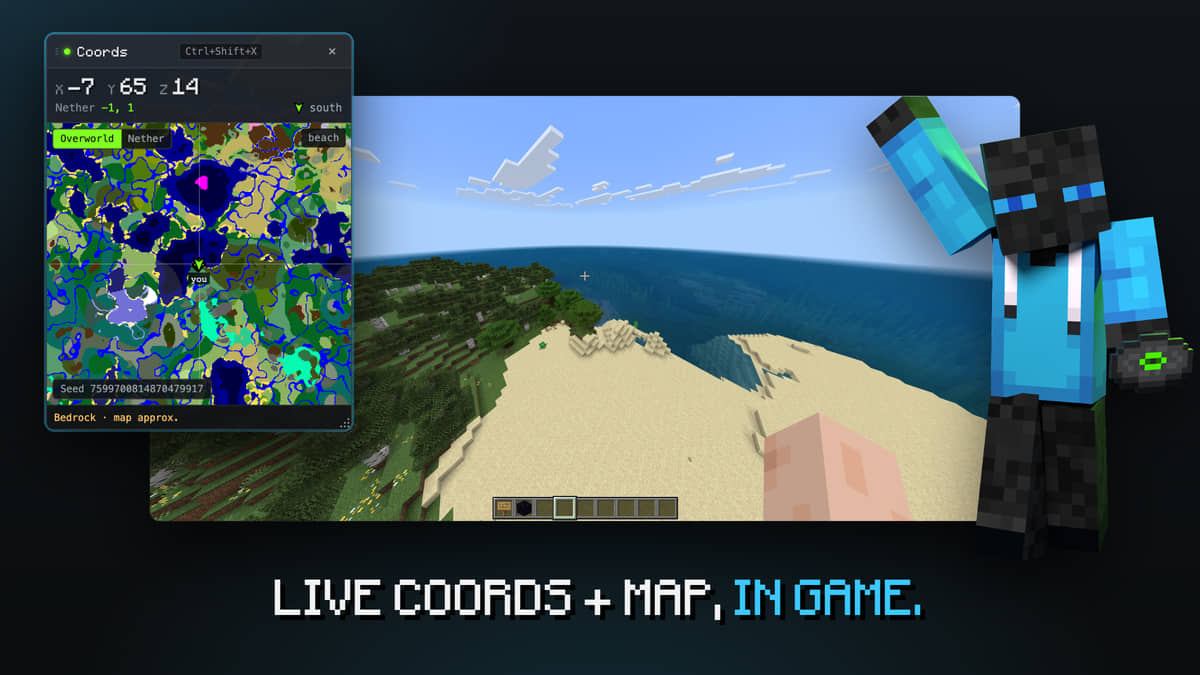
- Coords (Ctrl+Shift+X): your X Y Z, the matching Nether or Overworld spot for portals, which way you're facing, and a live seed map
- Color Codes (Ctrl+Shift+C): every color and format code on one palette with a preview. Copy it, or paste straight onto a Bedrock sign
- Materials (Ctrl+Shift+B): a build's block list, tick blocks off as you collect them
- Ctrl+Shift+M shows or hides the app. The overlays work while the app is open
- Forgot a hotkey? The keyboard button in the title bar shows them all, and you can change any in Settings
MCTools+ Every tool is free with ads. Want to support the app? MCTools+ is $3.99 a month or $24.99 a year:
- No ads
- Theme Lab: recolor the whole app
- Beta mode: switch on beta tools and features
- A supporter role in my Discord
Works with Minecraft Java Edition and Minecraft Bedrock Edition on Windows.
Questions or bugs? Come say hi on Discord: discord.gg/YE8GB2KNc9
MCTools is not an official Minecraft product and is not approved by or associated with Mojang or Microsoft.
App Info
 Overwolf Client (9.0MB)
- 0.3.86
- Nov 12th, 2026
 In-App Ads
 Premium