

About the App
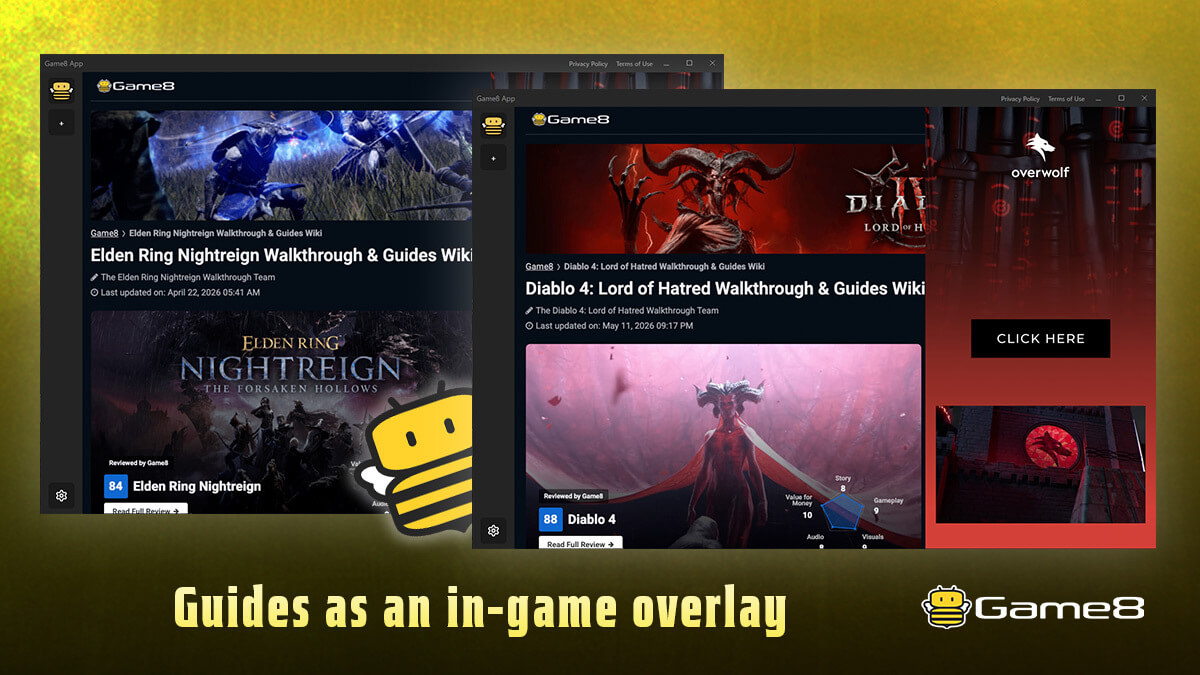
Stop alt-tabbing for guides. Game8 App puts Game8's trusted strategy guides as an in-game overlay, so you can read build guides and boss strategies without ever leaving your game.
The app automatically detects what you're doing — your character class, your situation — and shows the matching Game8 guide in real time. Toggle it on and off instantly with a hotkey, drag it anywhere, and resize it to fit your screen.
Supported games
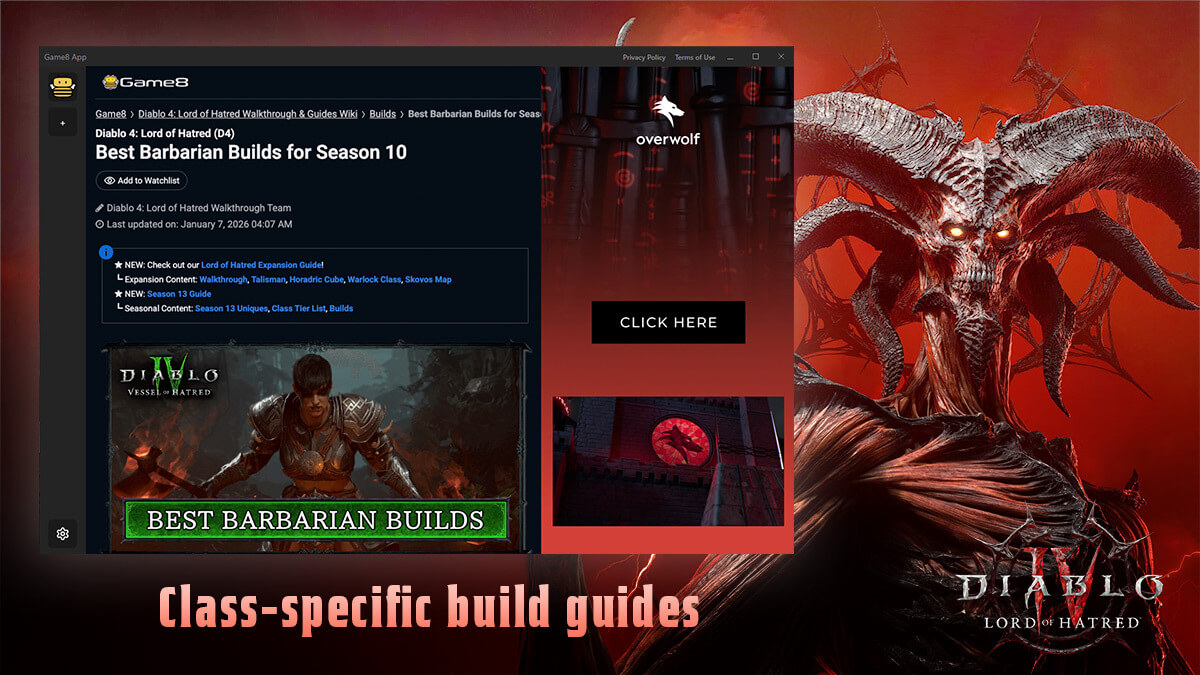
- Diablo 4 — Class-specific build guides. The app detects your class the moment you enter the game and loads the right guide: Barbarian, Druid, Necromancer, Rogue, Sorcerer, Spiritborn, and Paladin.
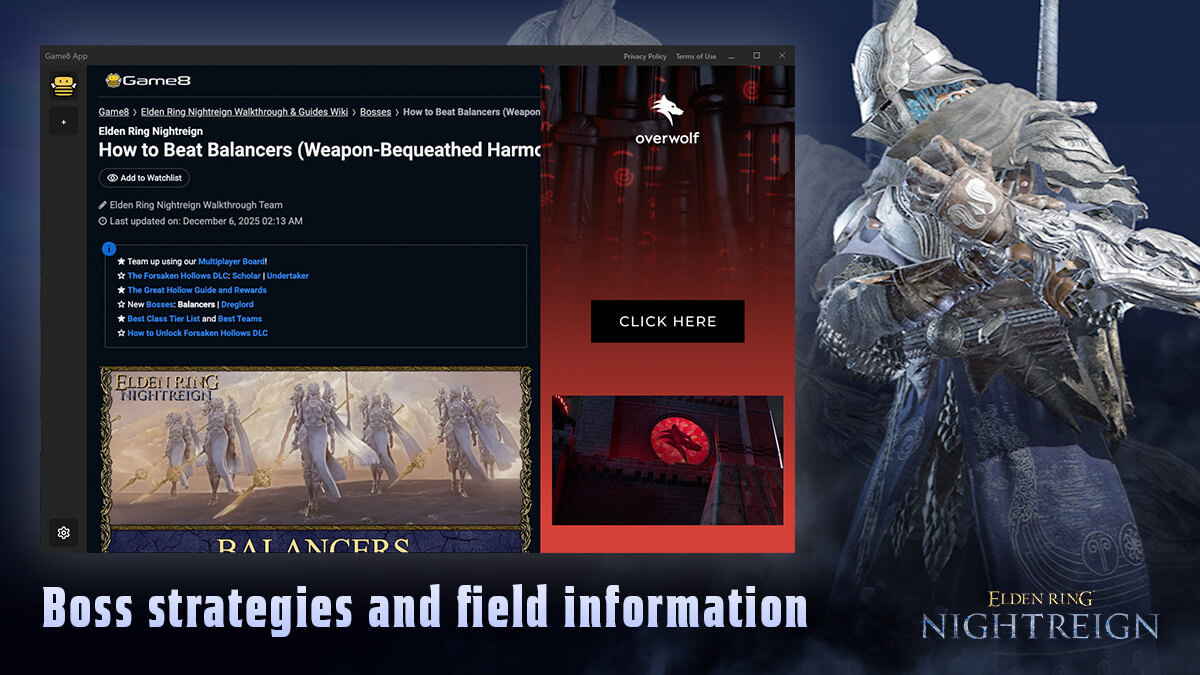
- Elden Ring Nightreign — Boss strategies and field information, surfaced based on in-game events such as encountering field bosses.
- Minecraft — Guides that follow your adventure. Enter a world to get survival essentials, and the app reacts as you explore — stepping into the Nether or the End, discovering a Deep Dark or Mangrove Swamp biome, or digging deep below ground brings up the matching guide.
Key features
- Real-time guide matching — Automatically shows the right Game8 guide as your class or situation changes. No searching, no tab-switching.
- In-game overlay — A clean, lightweight window that sits on top of your game. Read while you play.
- Instant toggle — Show or hide the overlay with Ctrl+F (customizable).
- Move & resize freely — Drag the header to reposition, resize to taste. Your window position and size are remembered between sessions.
- Safe external links — Links open in your default browser after a quick confirmation, so you never lose your place.
How to use
- Launch Diablo 4, Elden Ring Nightreign, or Minecraft — the app starts automatically.
- Press Ctrl+F in-game to open the overlay.
- Enter the game with your character — the matching Game8 guide loads on its own.
- Press Ctrl+F again any time to hide it.
Powered by Game8 (https://game8.co) — one of the most trusted names in game strategy guides.
App Info
 Overwolf Client (1.2MB)
- 2026.9.1.536
- Sep 1st, 2026
 In-App Ads