

About the App
Discover your Minecraft worlds with Minimap Companion, an in-game minimap and interactive world map for Java and Bedrock Edition.
Keep your bearings while you play, discover biomes and structures, and save the places you want to return to—all without switching away from Minecraft.
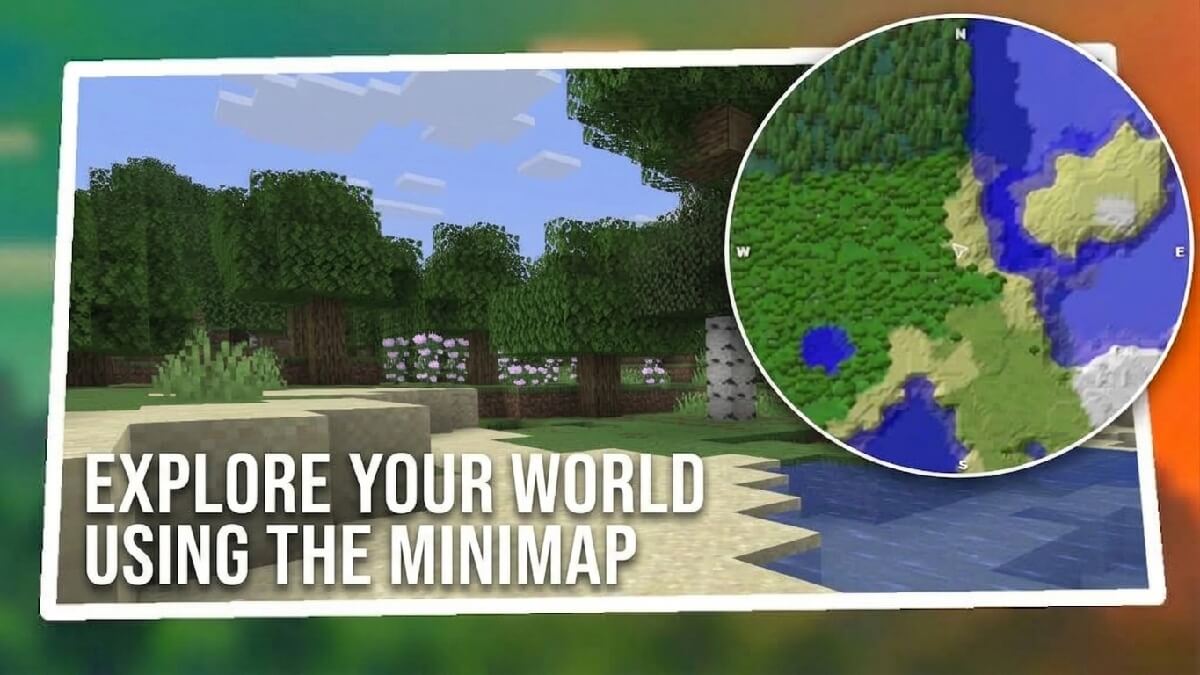
Keep your world in view
Follow your position and direction on the minimap as you explore. Open the full map with a customizable keyboard shortcut to get a wider view, then pan and zoom to plan your next adventure.
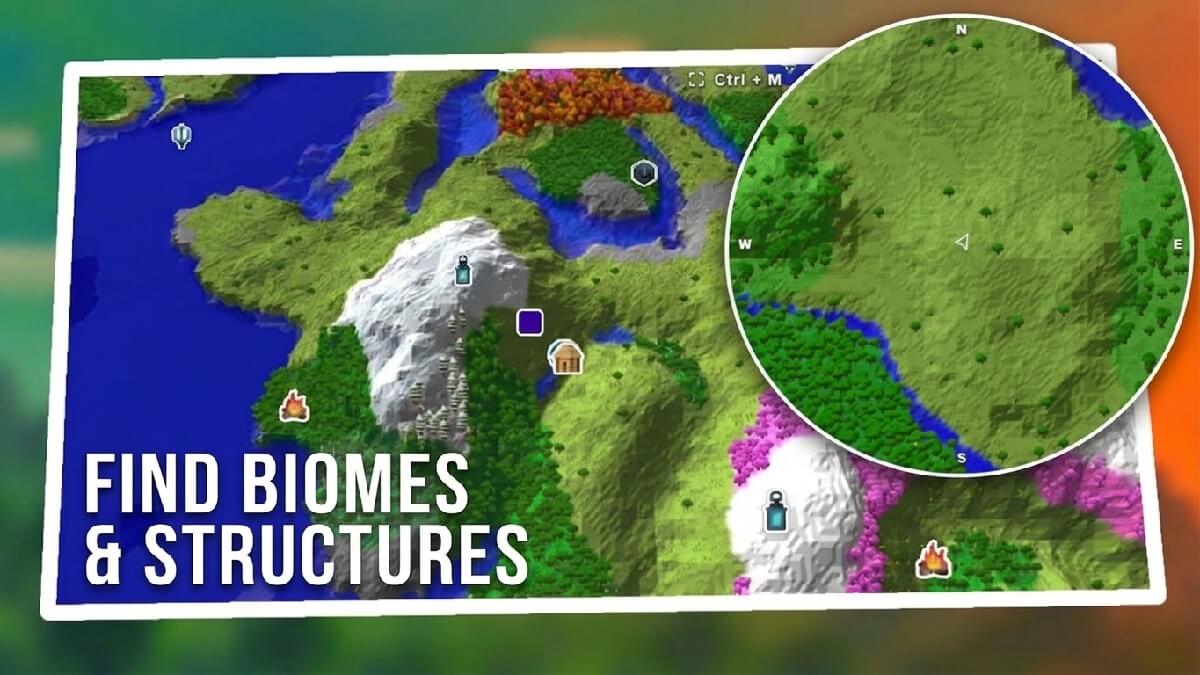
Discover what’s around you
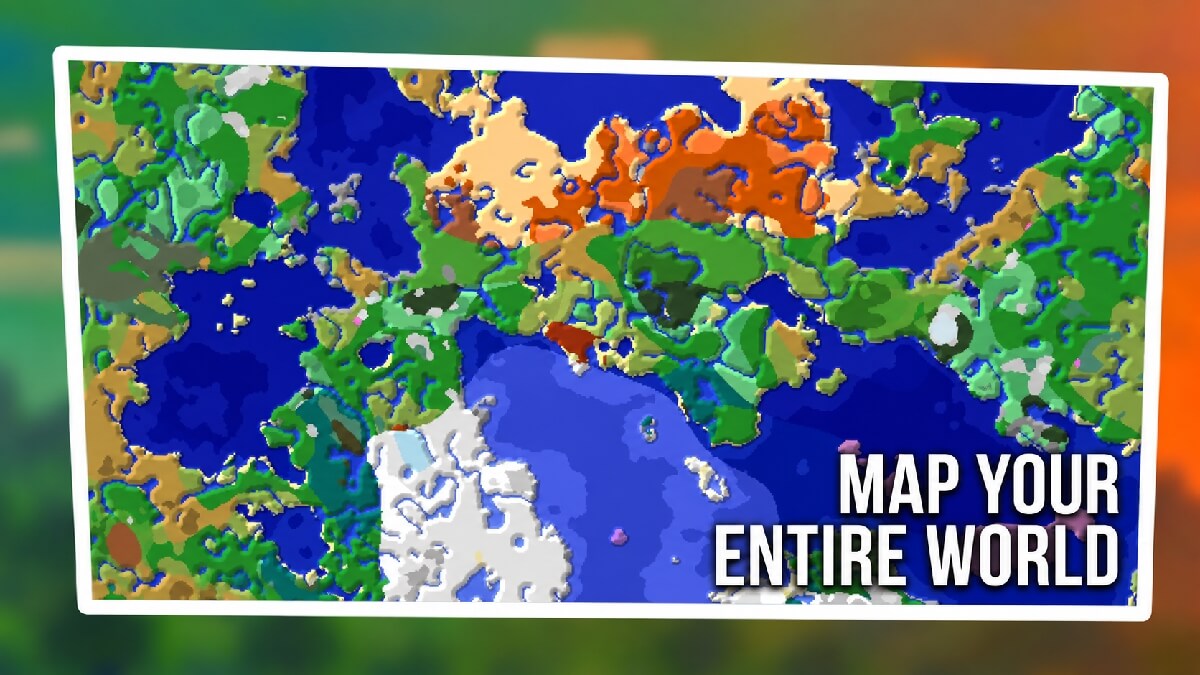
Explore seed-based maps of the Overworld, Nether, and End. Find biomes and locate structures, with filters that let you choose what appears on your map.
Save your favorite places
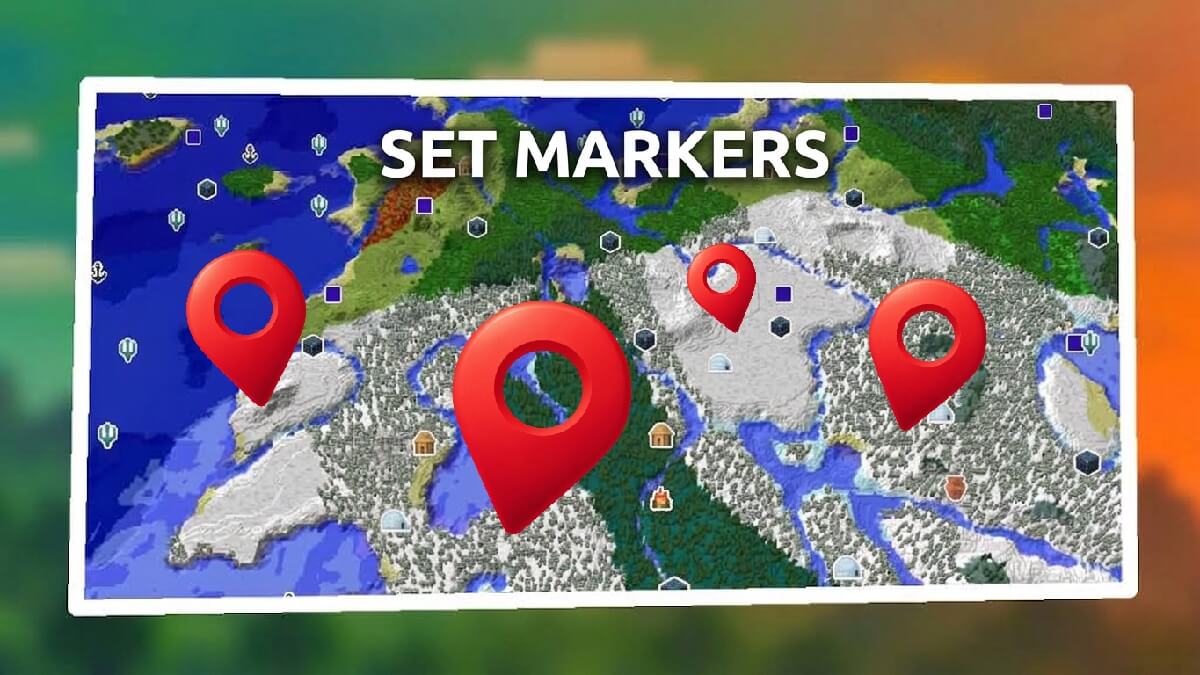
Create custom markers for your base, useful locations, or future destinations. Bookmark structures directly from the map and see your saved markers on both the full map and minimap. Markers outside the visible area help point you toward your destination.
Make it your own
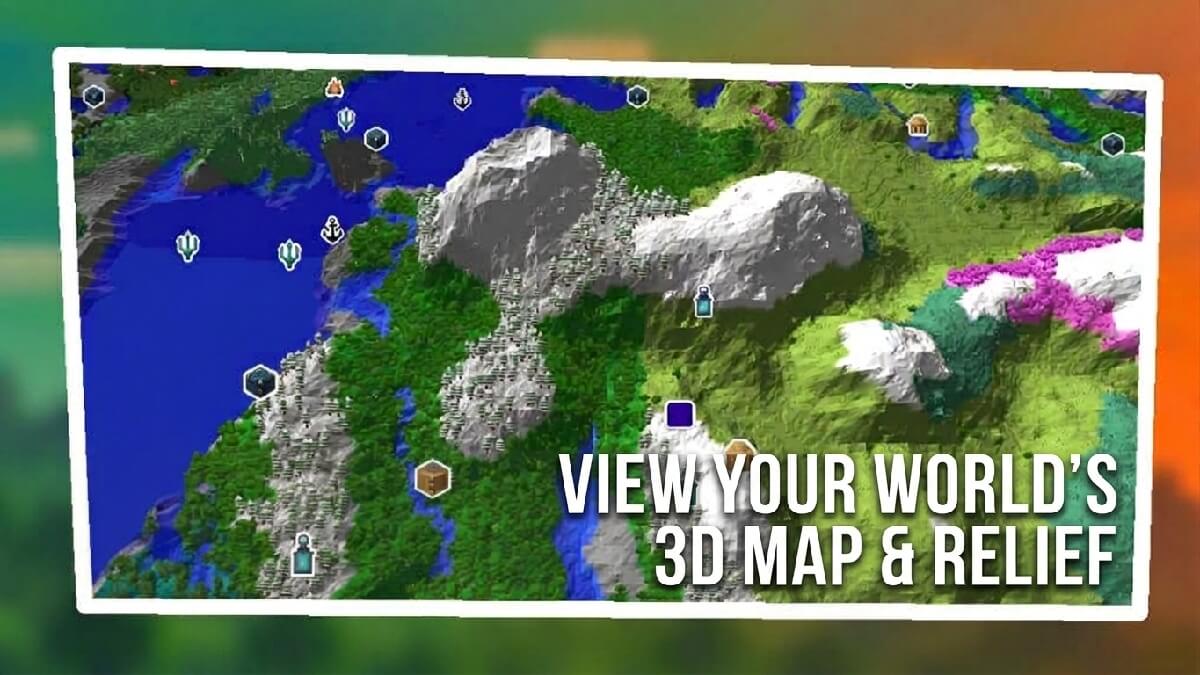
Customize the minimap’s size, shape, position, and orientation. Choose between 2D and 3D map views, adjust visual settings, and configure keyboard shortcuts to suit the way you play.
Explore in-game or on your desktop
Use the overlay while playing or open the desktop map to browse a seed and plan ahead. Compatible local worlds can be detected automatically, bringing your world into view with minimal setup.
App Info
 Electron (106.5MB)
- 22.3.13
- Sep 28th, 2026
 In-App Ads