

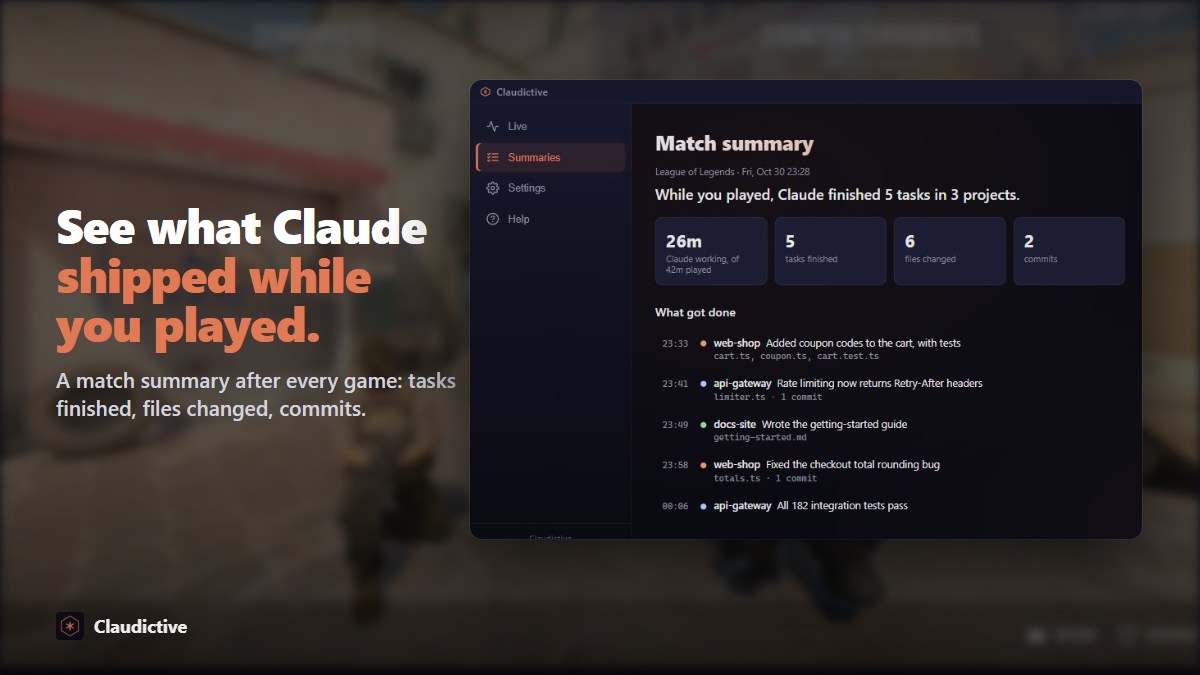
About the App
Ship code between respawns.
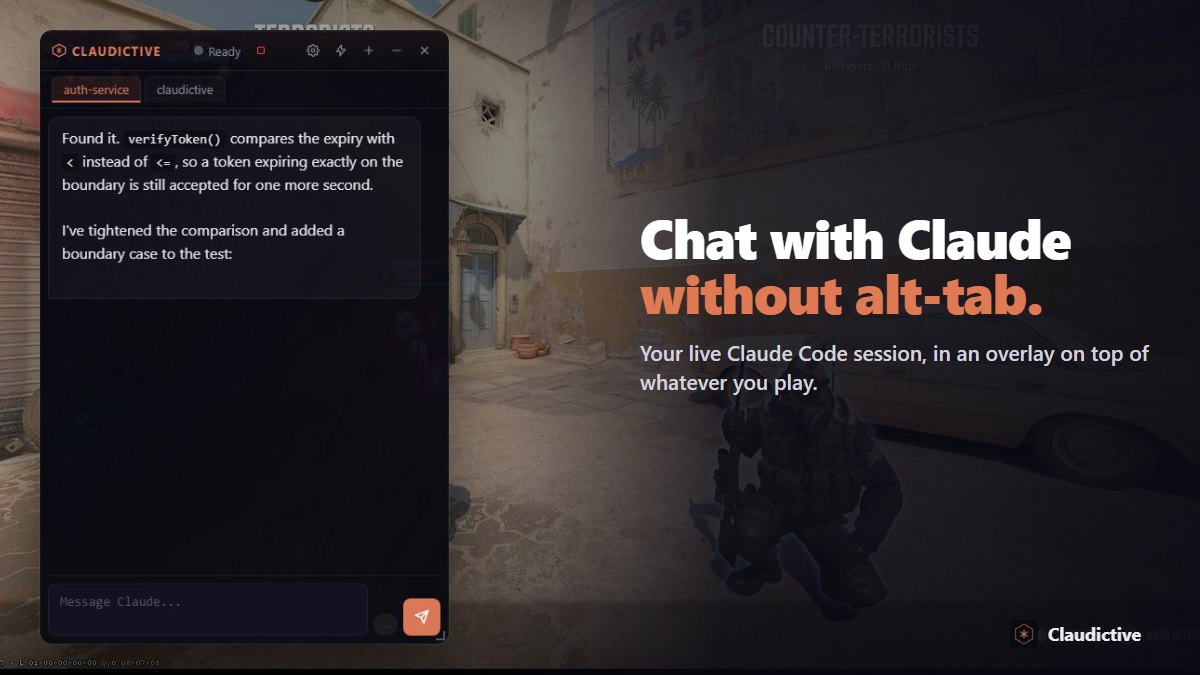
Claudictive puts your live Claude Code session inside your game. Queue pops while Claude is mid-refactor? Keep playing. Type in the overlay, approve the next step with a hotkey, and watch your terminal pick it up live. No alt-tab, no lost context, no dead time.
Why vibe coders who game use it
- Your real session, not a copy. What you send in game runs inside the Claude Code session you already have open, in the CLI, VS Code, JetBrains or the desktop app. Your terminal shows it live.
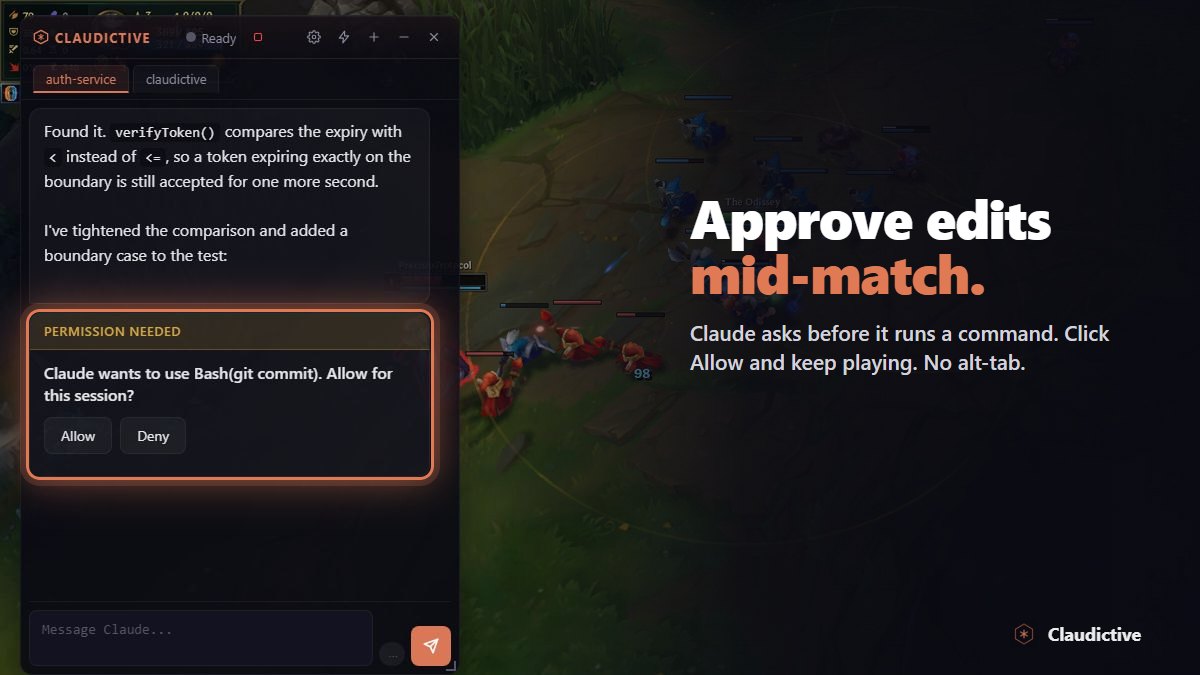
- Approve without stopping. Permission prompts land on an in-game bar. Approve with Ctrl+Alt+A, deny with Ctrl+Alt+X, and stay in the fight.
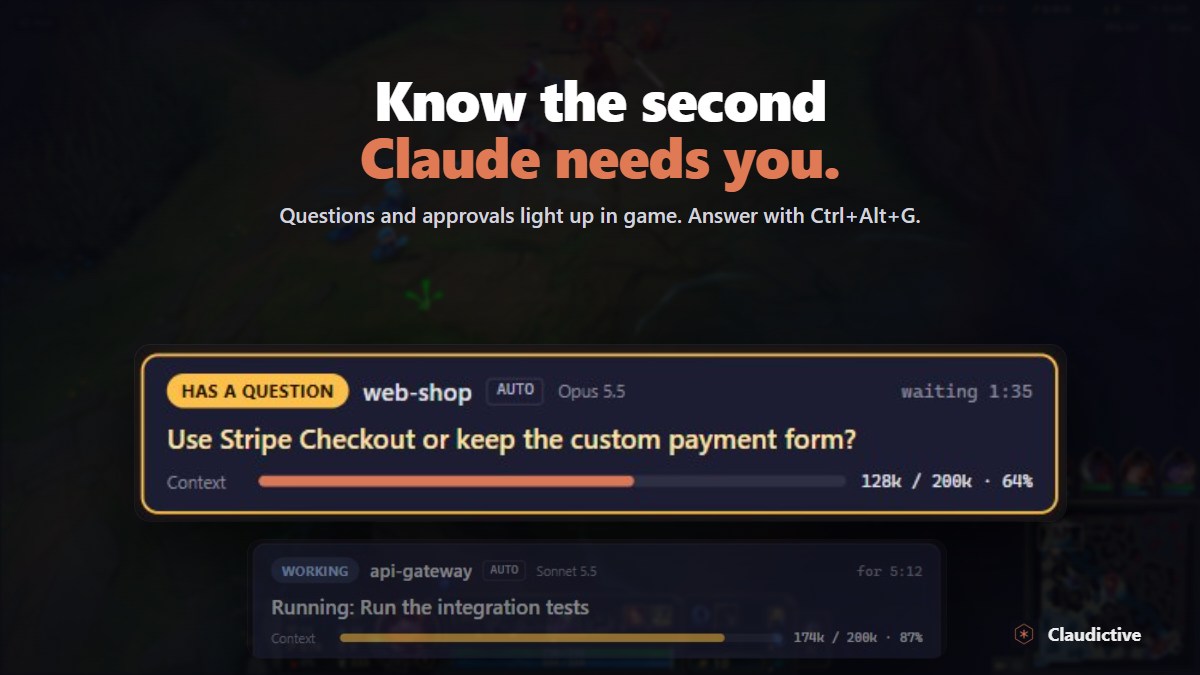
- Answer Claude in game. When Claude asks you a question, pick an answer from the overlay. Back at your desk? Answer in the terminal instead.
- Never miss a beat. A tab that needs you turns amber and chimes, even while you are looking at another one.
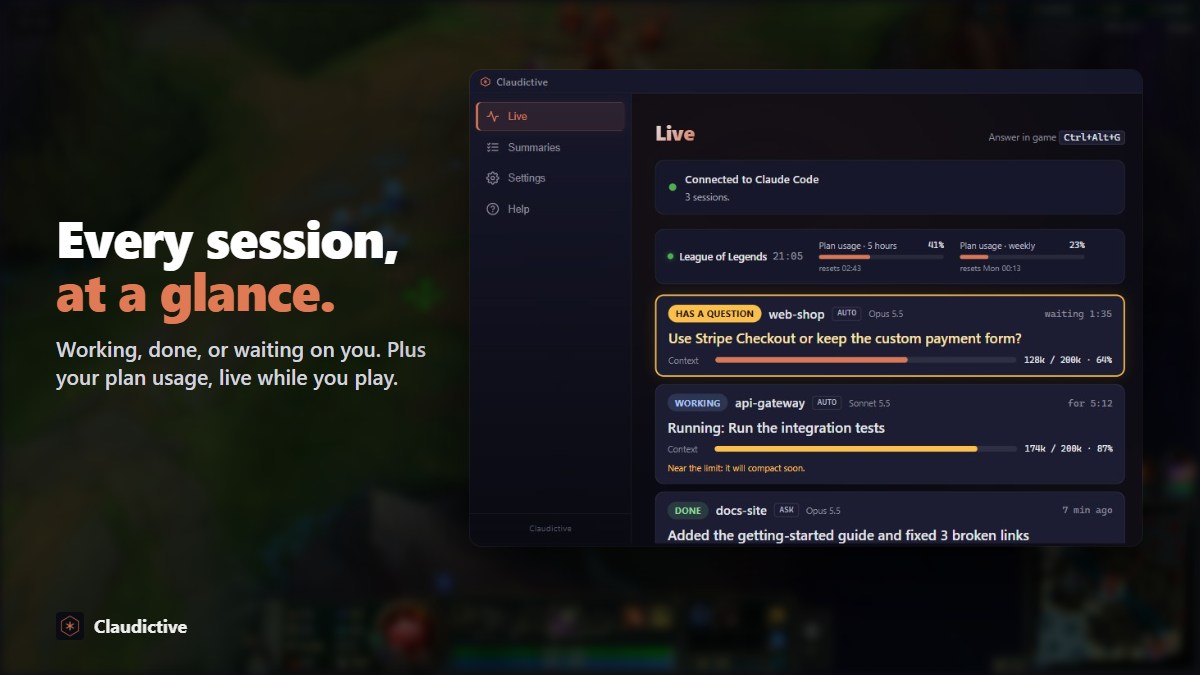
- One tab per terminal. Run several sessions at once. Each gets its own tab and keeps its own unsent message.
- Show, don't describe. Snap your game screen or paste images straight into the chat. The snapshot is taken only when you press the button.
- Review before you trust. Diff viewer, read-only file viewer, slash commands with autocomplete, and Escape to stop a turn.
- Out of your way until you need it. A compact pill sits quietly until you press Ctrl+Alt+V. Hotkeys work only in game and can be rebound. Got a second screen? The hub opens there.
What you need
- Windows 10 or later, with Overwolf
- Claude Code installed and signed in
- A Claude plan that includes Claude Code, or an Anthropic API key
Claudictive is a companion to Claude Code, not a standalone AI.
Privacy
Your code and conversations stay between your machine and Claude Code. No account, no cloud sync. Usage analytics and crash reports are off unless you turn them on.
Games
Works in any game Overwolf supports.
Free and ad-supported. Bugs, ideas and match stories: join us on Discord.
App Info
 Overwolf Client (375.6KB)
- 0.9.0
- Oct 31st, 2026
 In-App Ads